
Cover & Thumbnail Maker
Turn a set of images and a title into a batch of ready-made covers and thumbnails for YouTube, TikTok, Instagram and more
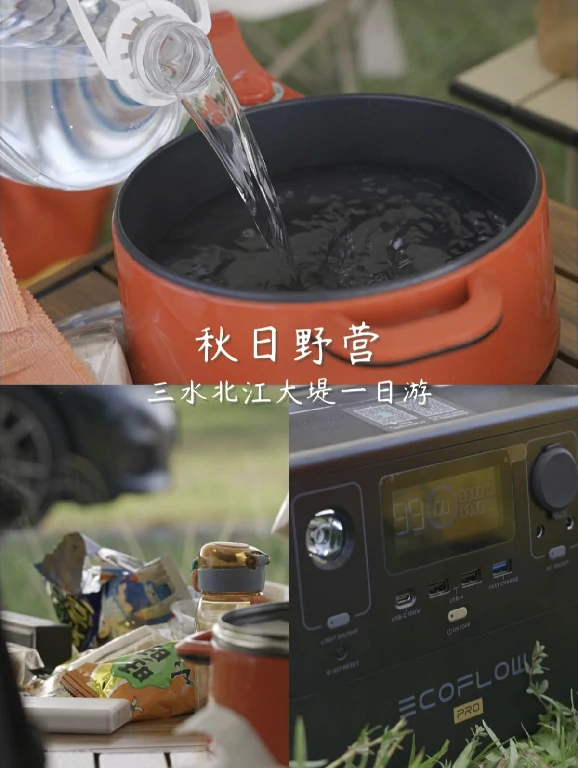
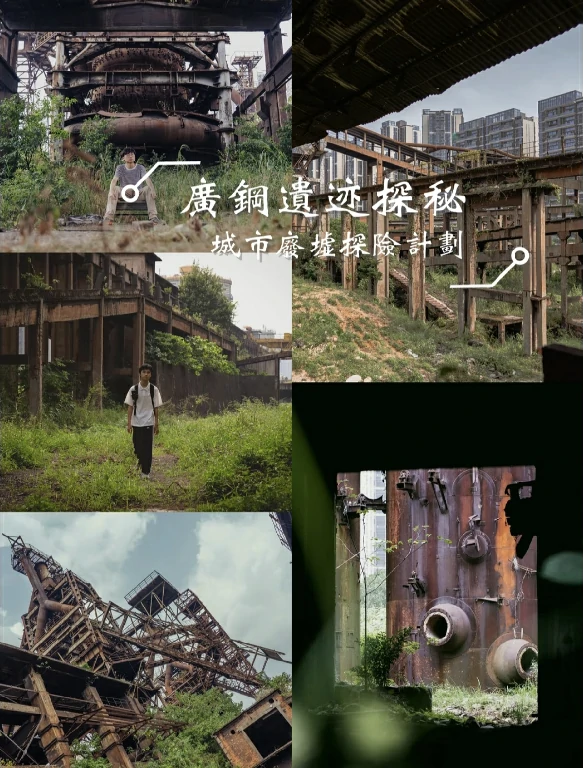
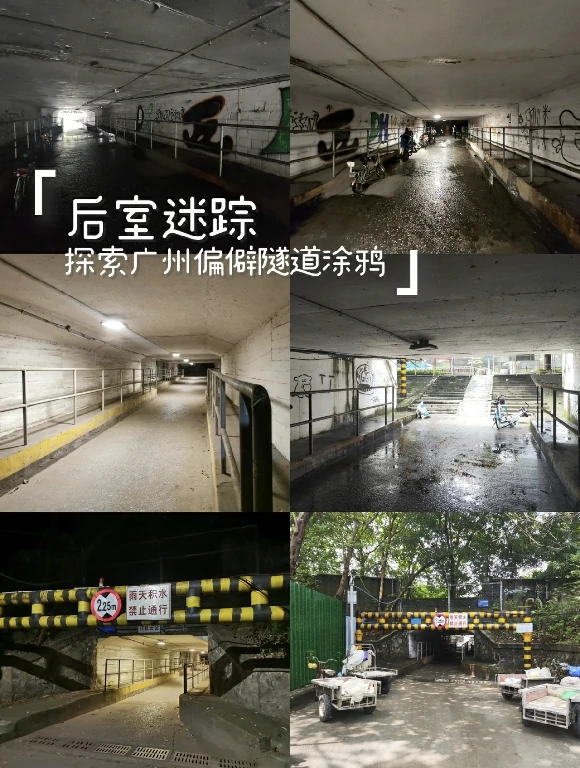
Finished results only (3:4): the title and subtitle were written for each set of photos, and each one uses a different layout.
$ gtrk tool image_classic_template 1.jpg 2.jpg 3.jpg --main-title "Weekend Getaway" --aspect 16:9Pricing
Checking the price…
How to use
- 1
Sign in, then choose or drop 1–20 images. Drag to change their order.
- 2
Enter a title (subtitle optional), pick the frame shape and how many designs you want, then click Submit. For a plain collage without text, choose Collage only.
- 3
Preview the designs one by one and download your favorite, or get them all as a ZIP, which also includes the plain collages and transparent title layers.
FAQ
How many designs do I get?
By default (Auto), 6 or more images give 10 designs, and fewer images give fewer (1 image gives 1, 2 images give 5). You can also ask for 5, 10 or 20. The number doesn't change the price.
Which frame shape should I pick?
16:9 suits YouTube thumbnails and landscape covers, 9:16 suits TikTok, Reels and Shorts covers, 1:1 suits Instagram posts, 3:4 suits portrait posts such as on Xiaohongshu, and 4:3 suits landscape blog images.
What can I write in the title?
Chinese, Japanese, Korean, Thai, Latin letters (including accented letters such as Vietnamese, French or German) and Cyrillic (such as Russian, Ukrainian or Belarusian). Long titles are automatically made smaller to fit. Emoji and similar symbols can't be drawn; you'll be asked to remove them before submitting.
Can I change the font or title position?
Every design uses a different layout, font and title position, so just pick the one you like. To lay it out yourself, download the transparent title layers and plain collages from the ZIP and combine them in CapCut, Photoshop or another editor.
How is it priced?
1 credit per run, whatever the number of images or designs. Live prices and full rules are in Pricing on this page. You need to sign in; failed runs are refunded.
Related tools

Long Image to Square
Cut tall or wide images into strips and lay them side by side as an easy-to-read square

Image Aspect Ratio Converter
Convert images to landscape, portrait or any ratio, with a blurred background that blends in

Image Background Remover
Cut out people or objects and make the background transparent, keeping soft edges like hair

Image Black Border Remover
Detect the black bars around an image and crop them off, keeping only the picture